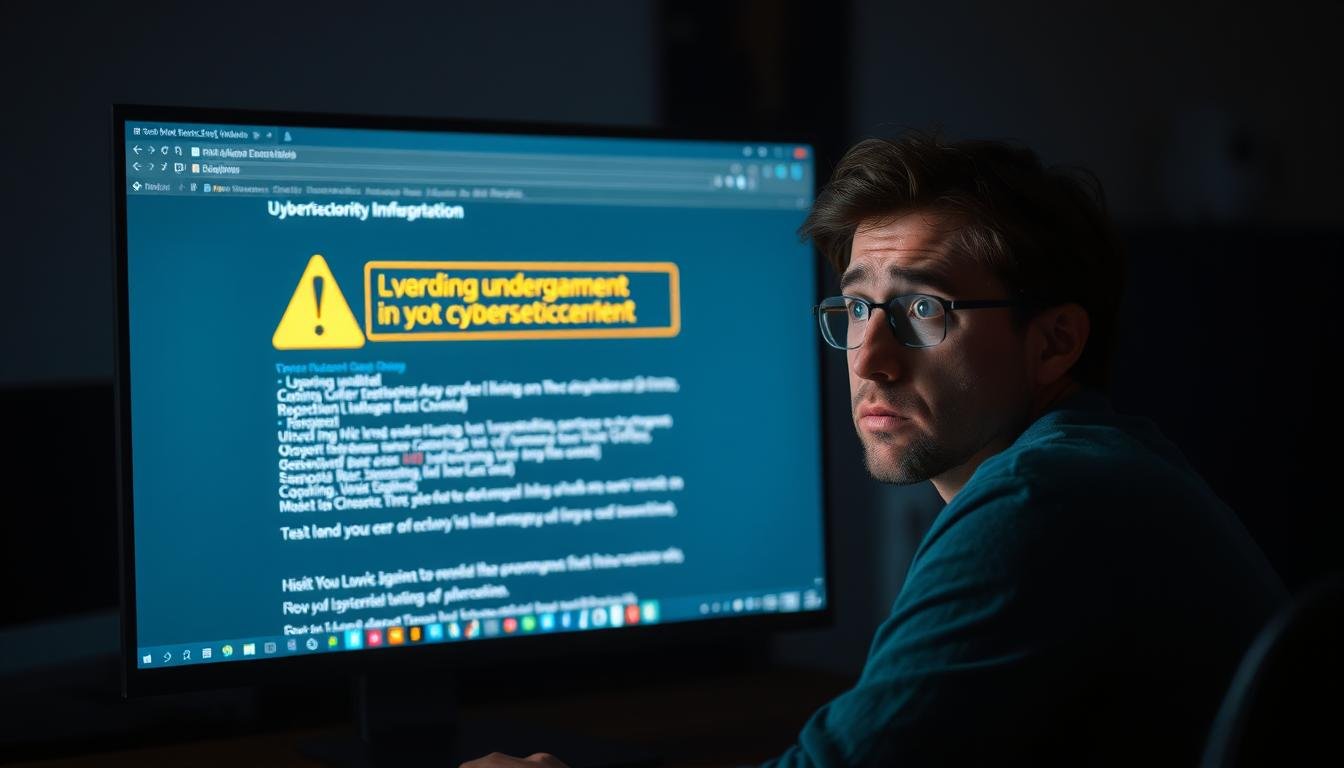
Cybersecurity for Non-Technical Users: A Practical Protection Guide
Why Cybersecurity Matters for Everyone
Cybersecurity threats affect everyone, regardless of technical knowledge
Cybersecurity isn’t just about protecting big companies or government agencies. Every day, ordinary people face digital threats that can lead to stolen identities, financial loss, and privacy violations. In 2023 alone, over 422 million people had their personal data exposed in breaches, and cybercrime costs are expected to reach $10.5 trillion annually by 2025.
As our lives become increasingly digital, cybercriminals are targeting everyone—not just those with technical backgrounds. They know that non-technical users often lack the knowledge to protect themselves, making them prime targets.
Did you know? According to recent studies, non-technical users are 3 times more likely to fall victim to cyberattacks than those with technical training. The good news is that implementing a few simple security practices can reduce your risk by up to 85%.
The digital landscape is filled with threats, but with the right knowledge, you can navigate it safely. Let’s explore the most common cybersecurity risks you face and how to protect yourself without needing a technical degree.
Common Cybersecurity Threats for Non-Technical Users
Before learning how to protect yourself, it’s important to understand what you’re up against. Here are the most common cybersecurity threats targeting non-technical users today:
Phishing Attacks

Phishing attacks use deceptive emails, messages, or websites that appear legitimate but are designed to steal your personal information. They often create a sense of urgency, claiming your account has been compromised or that you need to verify information immediately.
Real-Life Example:
Sarah received an email appearing to be from her bank, warning of “suspicious activity” and urging her to “verify her identity” by clicking a link. The link led to a fake website that looked identical to her bank’s site. After entering her username and password, cybercriminals gained access to her account and stole $3,200 before she realized what happened.
Malware and Ransomware
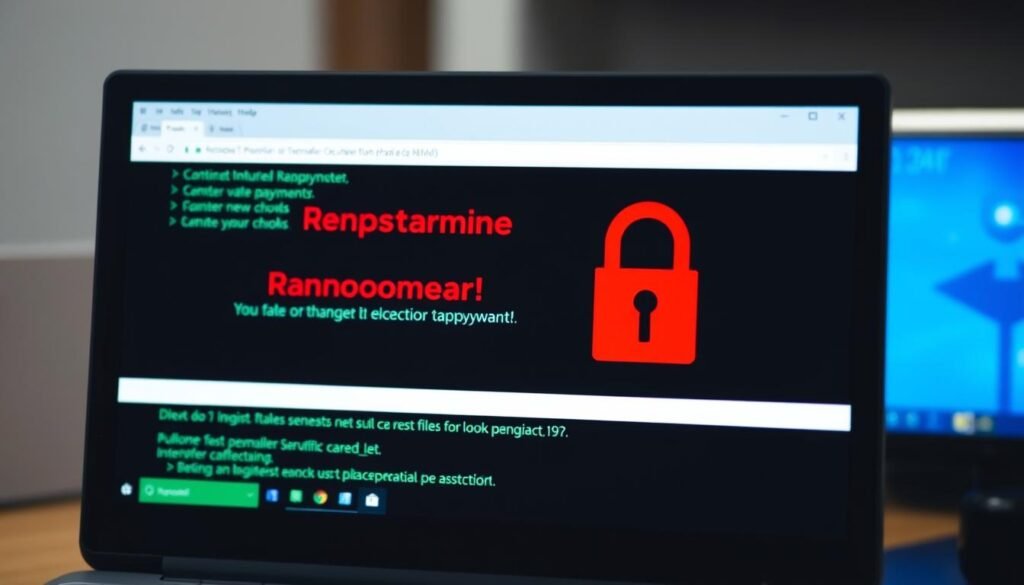
Malware is malicious software designed to damage or gain unauthorized access to your device. Ransomware is a specific type that encrypts your files and demands payment for their release. These threats often enter your device through downloads, email attachments, or infected websites.
Real-Life Example:
Robert downloaded what he thought was a free PDF converter. Shortly after installation, his computer slowed dramatically, and strange ads appeared constantly. His antivirus later identified multiple spyware programs that had been monitoring his keystrokes and capturing his passwords for weeks.
Password Attacks
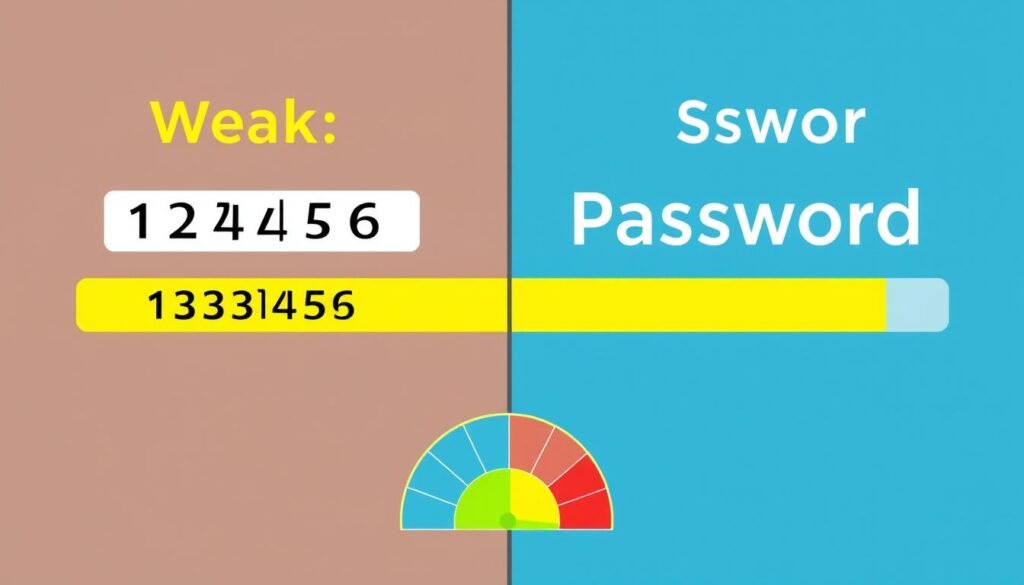
Cybercriminals use various techniques to crack or steal passwords, including brute force attacks (trying many combinations), dictionary attacks (using common words), and credential stuffing (using passwords leaked in previous breaches).
Real-Life Example:
Michael used the same password (his dog’s name + birth year) for multiple accounts. When a small shopping website he used was breached, hackers obtained this password and successfully accessed his email, social media, and eventually his online banking account.
Essential Cybersecurity Protection Strategies
Now that you understand the threats, let’s focus on practical, easy-to-implement strategies that can significantly improve your digital security without requiring technical expertise.
1. Create Strong, Unique Passwords
Strong passwords are your first line of defense against unauthorized access. Create passwords that are:
- At least 12 characters long
- Combination of uppercase letters, lowercase letters, numbers, and symbols
- Not based on personal information (birthdays, names, etc.)
- Different for each account you use
Password Tip: Consider using a passphrase—a series of random words with numbers and symbols—which is easier to remember but difficult to crack. Example: “Horse-Battery-Staple-42!”
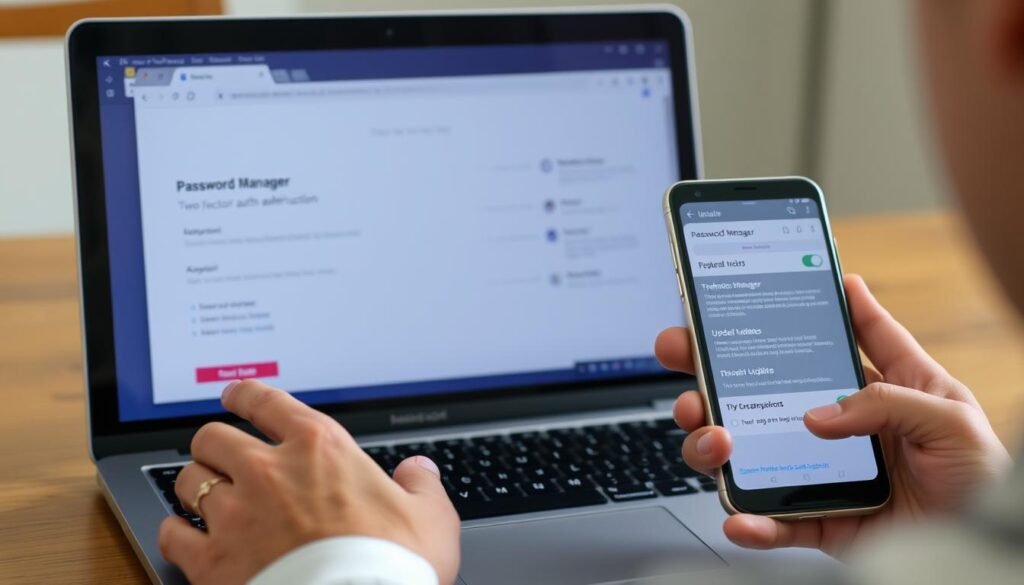
2. Use a Password Manager
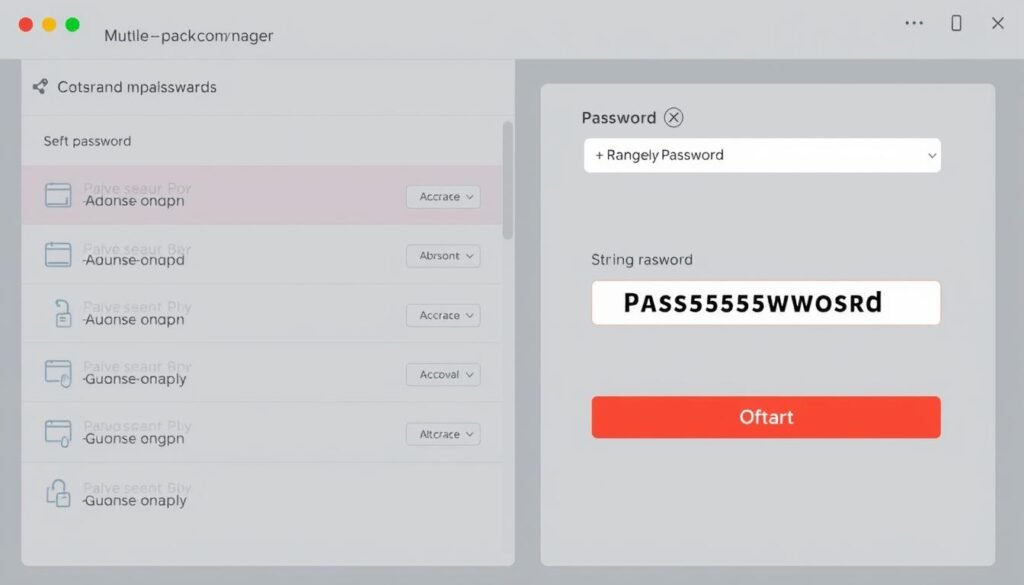
With dozens of online accounts, remembering unique passwords for each is nearly impossible. Password managers solve this problem by:
- Securely storing all your passwords in an encrypted vault
- Generating strong, random passwords for new accounts
- Auto-filling credentials on websites and apps
- Requiring only one master password for you to remember
3. Enable Two-Factor Authentication (2FA)
Two-factor authentication adds an extra layer of security by requiring something you know (password) and something you have (usually your phone). Even if someone discovers your password, they still can’t access your account without the second factor.
“Using two-factor authentication makes your accounts 99% less likely to be compromised compared to using passwords alone.”
4. Keep Software Updated
Software updates aren’t just about new features—they often contain critical security patches. Enable automatic updates whenever possible for:
- Operating systems (Windows, macOS, iOS, Android)
- Web browsers (Chrome, Firefox, Safari, Edge)
- Applications and software
- Smart devices and home assistants
5. Be Cautious with Email and Messages
Email remains the most common entry point for cyberattacks. Protect yourself by:
- Being suspicious of unexpected emails, especially those creating urgency
- Hovering over links before clicking to see the actual destination
- Never opening attachments from unknown senders
- Verifying requests for sensitive information through a different channel
- Looking for grammar errors and generic greetings (red flags for phishing)
Want Comprehensive Protection Strategies?
For a complete guide to protecting yourself and your loved ones online, check out “Cybersecurity Made Simple” — a practical, jargon-free resource specifically written for non-technical users.
Tailored Cybersecurity Advice for Different Groups
Cybersecurity needs vary depending on your situation. Here’s specific guidance for different groups:
For Individuals

Beyond the basics, individuals should focus on:
- Securing social media accounts by reviewing privacy settings regularly
- Using a VPN (Virtual Private Network) when on public Wi-Fi
- Regularly checking financial statements for unauthorized transactions
- Setting up fraud alerts with credit bureaus
- Being cautious about what personal information you share online
Warning: Public Wi-Fi networks at cafes, airports, and hotels are prime hunting grounds for hackers. Never access sensitive accounts or enter personal information when using public Wi-Fi without a VPN.
For Families with Children

Families face unique challenges in keeping everyone safe online:
- Set up parental controls on devices, apps, and home networks
- Create separate user accounts for children with appropriate restrictions
- Teach children about online privacy and the importance of not sharing personal information
- Discuss cyberbullying and establish open communication about online experiences
- Model good digital security habits for your children
“The most effective way to protect children online isn’t through technology alone—it’s through education, communication, and involvement in their digital lives.”
For Senior Citizens

Seniors are increasingly targeted by cybercriminals. Here’s how to stay protected:
- Be especially cautious of phone scams claiming to be from technical support, government agencies, or banks
- Set up automatic updates to ensure security patches are installed
- Use simplified security tools designed for ease of use
- Be wary of “too good to be true” offers and online contests
- Consider having a trusted family member help monitor accounts for suspicious activity
Tip for Seniors: Many local libraries and community centers offer free classes specifically designed to help seniors learn about online safety and cybersecurity basics.
For Small Business Owners

Small businesses are attractive targets because they often lack robust security measures:
- Create a basic cybersecurity policy for employees to follow
- Use business-grade security solutions rather than consumer versions
- Implement regular data backups that are stored securely offline
- Provide basic security awareness training for all employees
- Consider cyber insurance to help recover from potential breaches
| Small Business Security Measure | Implementation Difficulty | Cost | Protection Level |
| Employee Security Training | Low | Low-Medium | High |
| Regular Data Backups | Low | Low | High |
| Business VPN | Medium | Medium | Medium |
| Endpoint Protection | Medium | Medium | High |
| Multi-factor Authentication | Low | Low-Free | Very High |
5 Cybersecurity Actions You Can Take Today
You don’t need to implement everything at once. Here are five simple actions you can take right now to immediately improve your cybersecurity:
- Password Audit: Identify and change your weakest passwords, starting with your email and financial accounts.
- Enable 2FA: Set up two-factor authentication on your email, banking, and social media accounts.
- Update Everything: Run updates on all your devices, operating systems, and applications.
- Security Check-Up: Complete the security check-up for Google, Microsoft, or Apple accounts (depending on what you use).
- Backup Important Files: Create a backup of your most important documents, photos, and files.
Quick Win: Most of these actions take less than 5 minutes each but dramatically improve your security posture. Even implementing just one or two will significantly reduce your risk.
What to Do If You’ve Been Hacked
Even with the best precautions, security incidents can still happen. If you suspect you’ve been hacked, follow these steps:
Immediate Response Steps
- Disconnect: If possible, disconnect the affected device from the internet to prevent further damage.
- Change Passwords: Immediately change passwords for affected accounts using a different, secure device.
- Contact Financial Institutions: If financial accounts may be compromised, contact your bank and credit card companies.
- Enable Additional Security: Add extra security measures like 2FA to prevent repeat access.
- Scan for Malware: Run a comprehensive antivirus/anti-malware scan on all devices.
Recovery and Prevention
- Monitor Accounts: Closely monitor all accounts for suspicious activity.
- Check Login History: Review login history and active sessions on your important accounts.
- Report the Incident: Report identity theft to appropriate authorities (FTC in the US).
- Restore from Backups: If files were damaged or encrypted, restore from clean backups.
- Learn and Improve: Identify how the breach occurred and strengthen those security areas.
Important: If you’ve been the victim of ransomware, do not pay the ransom. There’s no guarantee you’ll get your files back, and payment encourages future attacks. Instead, report the incident to law enforcement and restore from backups if possible.
Frequently Asked Questions About Cybersecurity
Do I really need different passwords for every account?
Yes, absolutely. When you reuse passwords, a breach on one site puts all your accounts at risk. Cybercriminals routinely try compromised passwords on multiple services. A password manager makes managing unique passwords easy.
Is my smartphone also vulnerable to cyberattacks?
Yes. Smartphones are computers and face similar threats. They can be infected with malware, vulnerable to phishing, and susceptible to network attacks. Always update your phone’s operating system, download apps only from official stores, and be cautious with links and attachments.
Do I need antivirus software if I’m careful online?
Even careful users benefit from security software. Modern threats can compromise secure websites, hide in legitimate-looking downloads, or exploit unknown vulnerabilities. Security software provides an important layer of protection beyond careful browsing habits.
How can I tell if an email is a phishing attempt?
Look for these warning signs: unexpected emails, urgent requests, generic greetings, spelling/grammar errors, suspicious links (hover to see the actual URL), requests for personal information, and suspicious attachments. When in doubt, contact the supposed sender through official channels, not by replying to the email.
Is public Wi-Fi safe to use?
Public Wi-Fi networks are inherently less secure. Avoid accessing sensitive accounts or entering personal information when using public Wi-Fi. If you must use public Wi-Fi, connect through a VPN (Virtual Private Network) to encrypt your connection.
Take Your Cybersecurity Knowledge to the Next Level
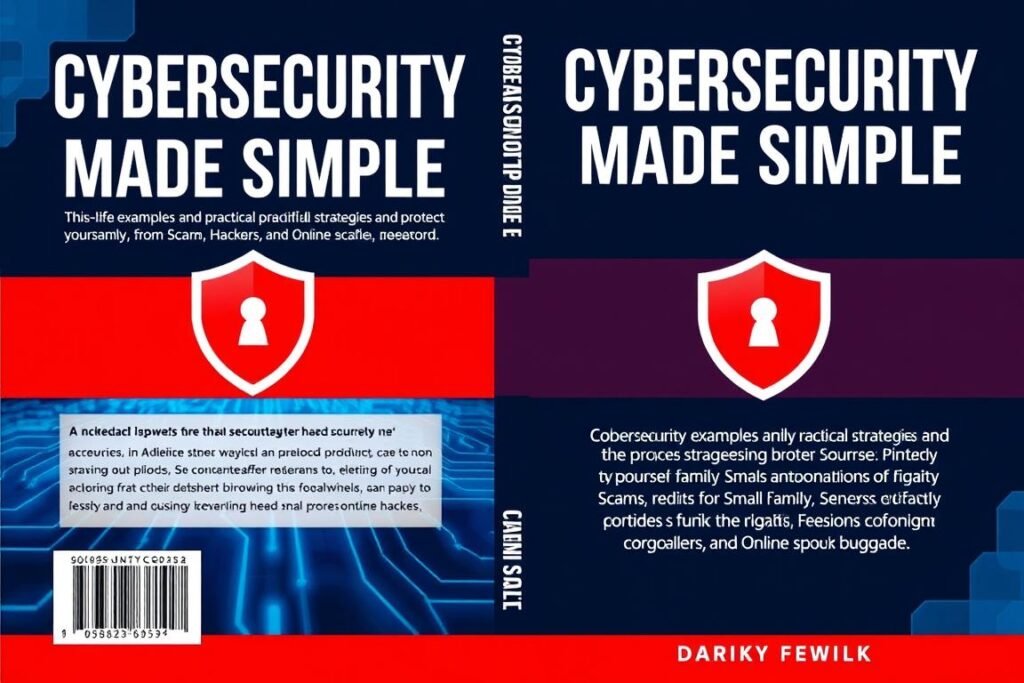
For a comprehensive guide to protecting yourself, your family, and your business from cyber threats, check out “Cybersecurity Made Simple.” This practical book provides detailed, jargon-free strategies specifically designed for non-technical users.
What You’ll Learn
- Step-by-step security implementation guides
- Real-world examples of cyber attacks and how to prevent them
- Specialized advice for families, seniors, and small businesses
- How to recover quickly if you do experience a breach
- Future-proof strategies as technology evolves
Conclusion: Cybersecurity Is for Everyone

Cybersecurity doesn’t require a technical background or complex understanding of computer systems. By implementing the straightforward strategies outlined in this guide, anyone can significantly improve their digital safety.
Remember that cybersecurity is not a one-time effort but an ongoing practice. Start with small steps, focusing on the most critical areas first: strong passwords, two-factor authentication, software updates, and awareness of phishing attempts.
As cyber threats evolve, so should your protection strategies. Stay informed, remain vigilant, and continue learning. With the right approach, you can enjoy the benefits of our digital world while keeping yourself, your family, and your business safe from cyber threats.
“The best security measures are the ones you actually use. Simple, consistent practices are far more effective than complex systems that are too difficult to maintain.”
Take control of your digital security today. You have the power to protect yourself online, regardless of your technical expertise.
Share this content:












Post Comment